
CakeWatch
Uptime Monitoring for StatusCake
CakeWatch gives you a fast, native way to manage your StatusCake uptime monitors from macOS and iOS. No browser tabs, no slow dashboards — just your checks, right on your device.
Screenshots
Features
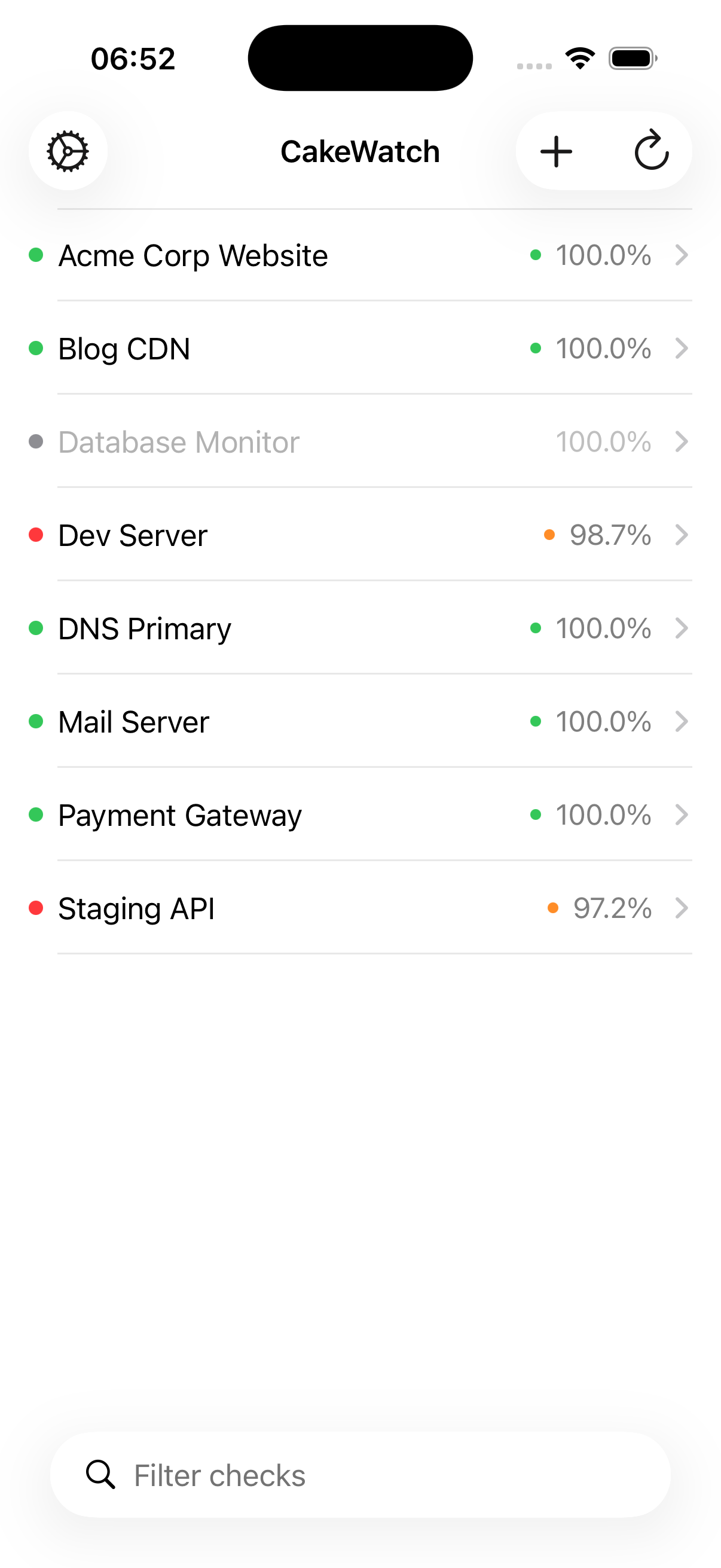
Multi-Account Support
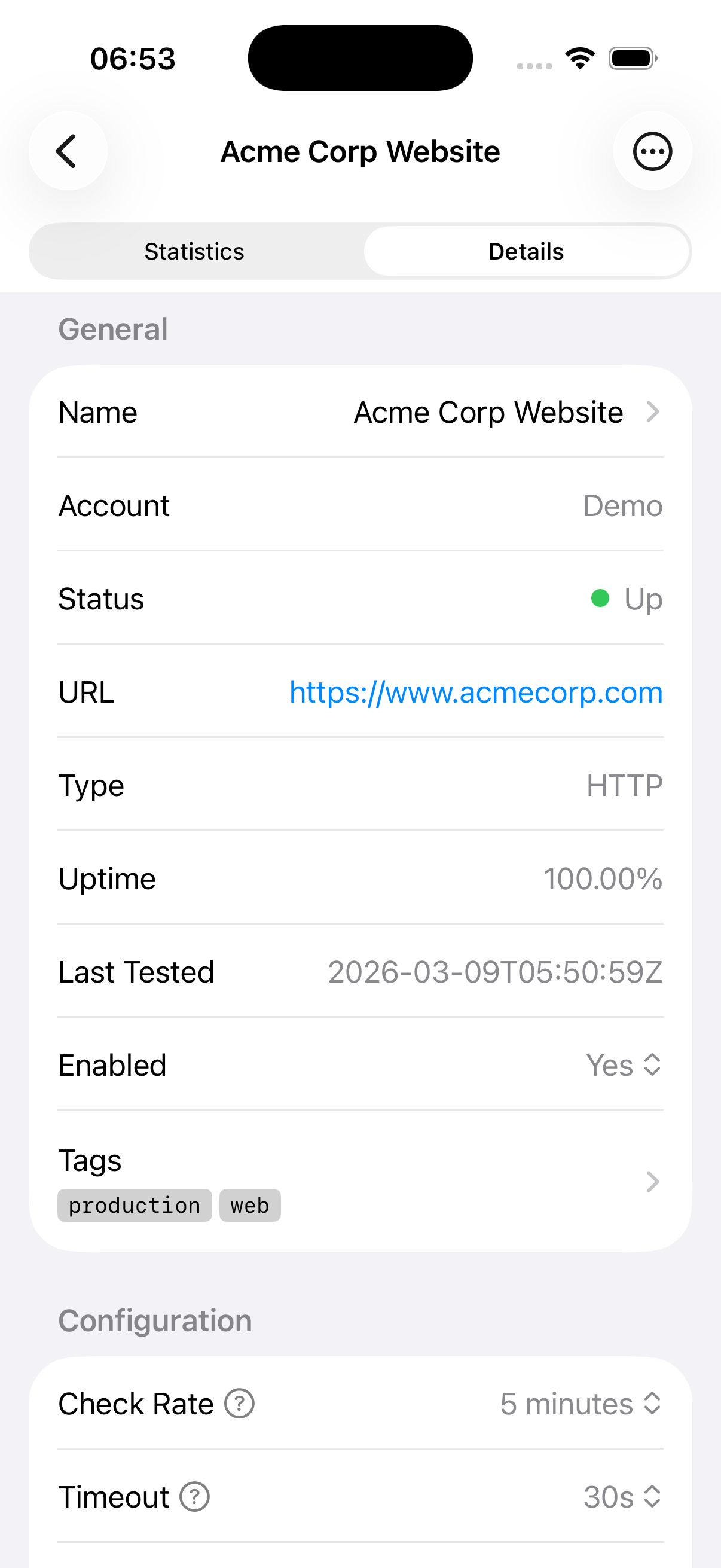
Connect multiple StatusCake accounts and manage them all from one place. Each account's checks are clearly labeled so you always know which team or project they belong to.
Batch Operations
Select multiple checks and update or delete them in one go. A progress indicator keeps you informed as each operation completes.
Response Time Analytics
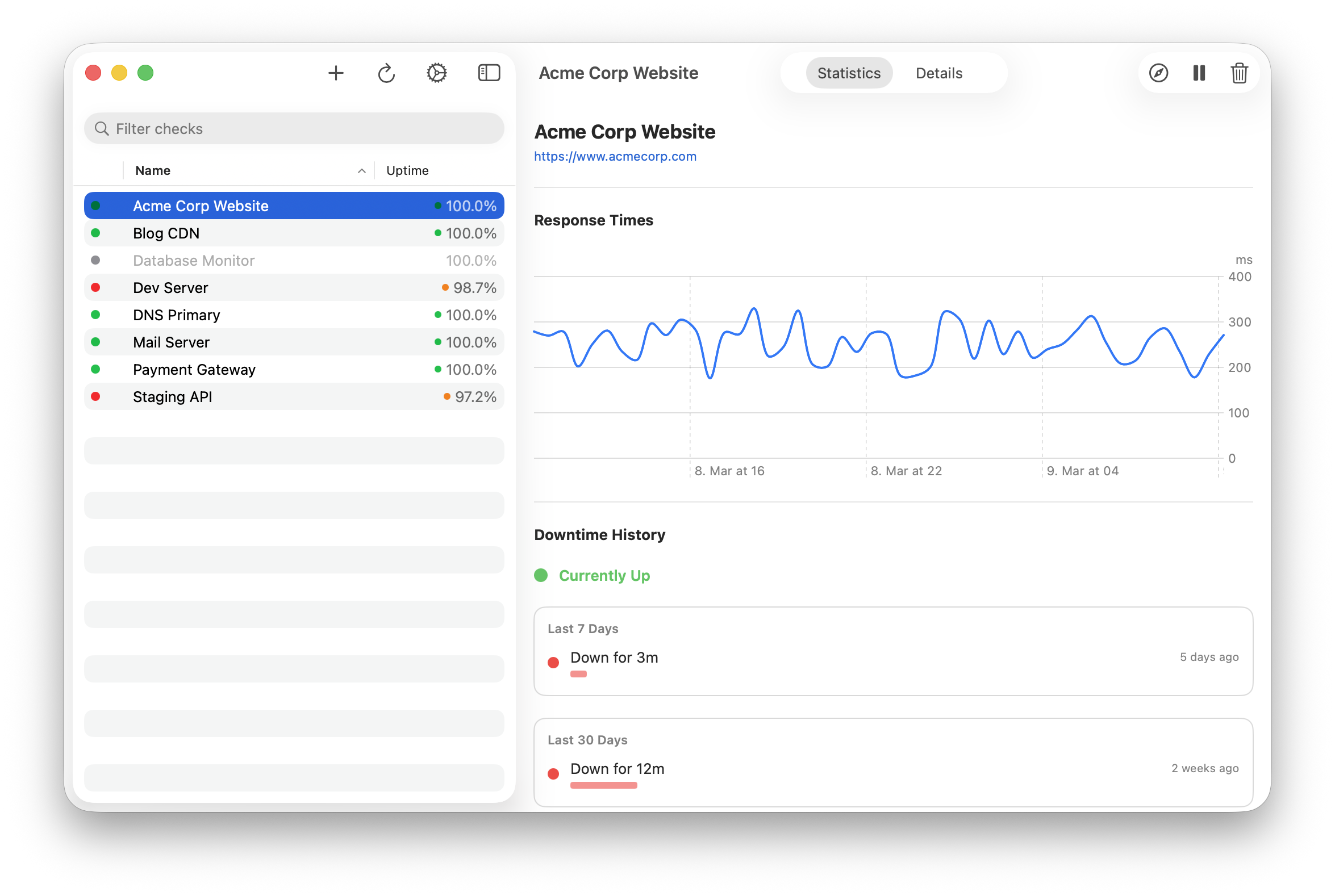
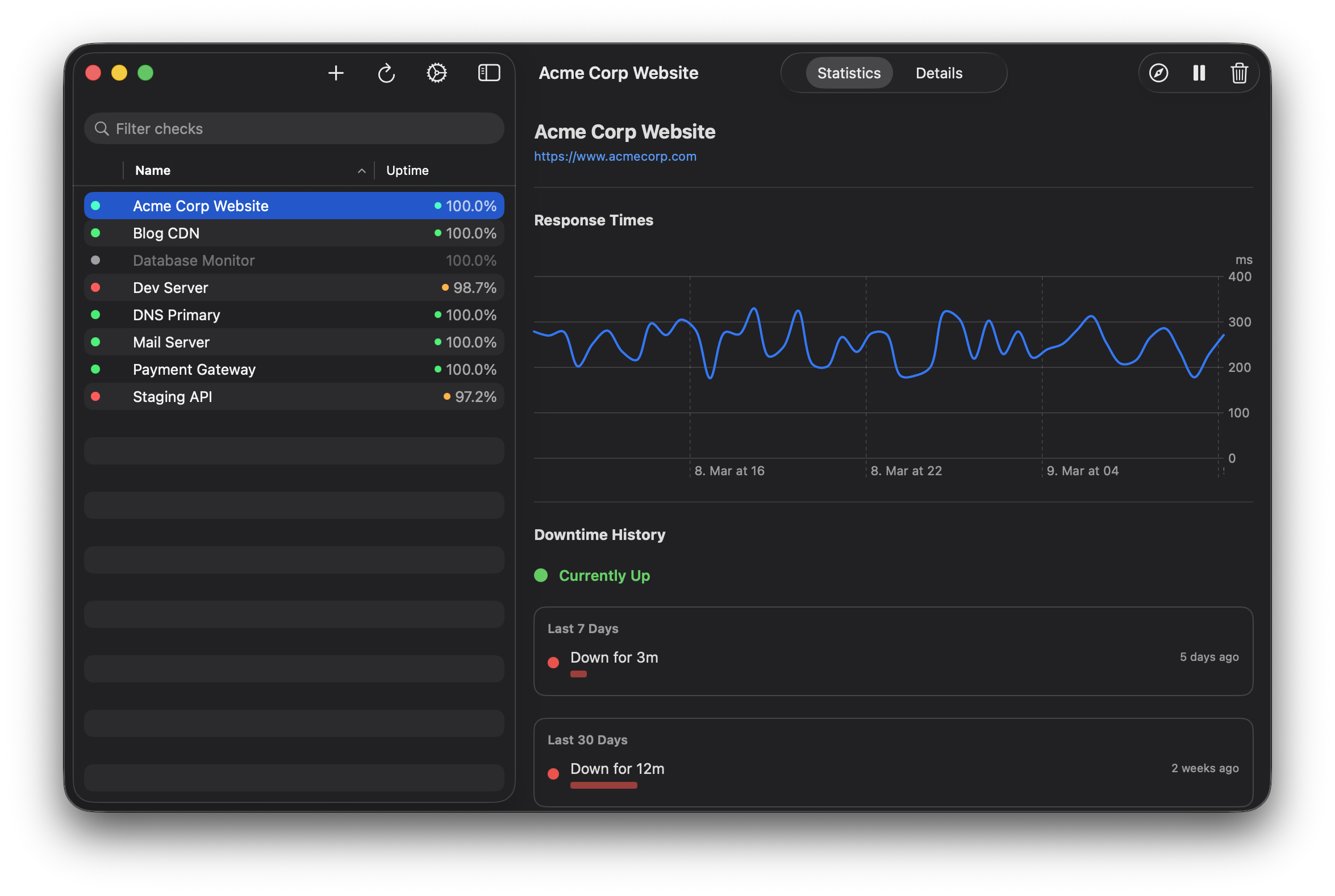
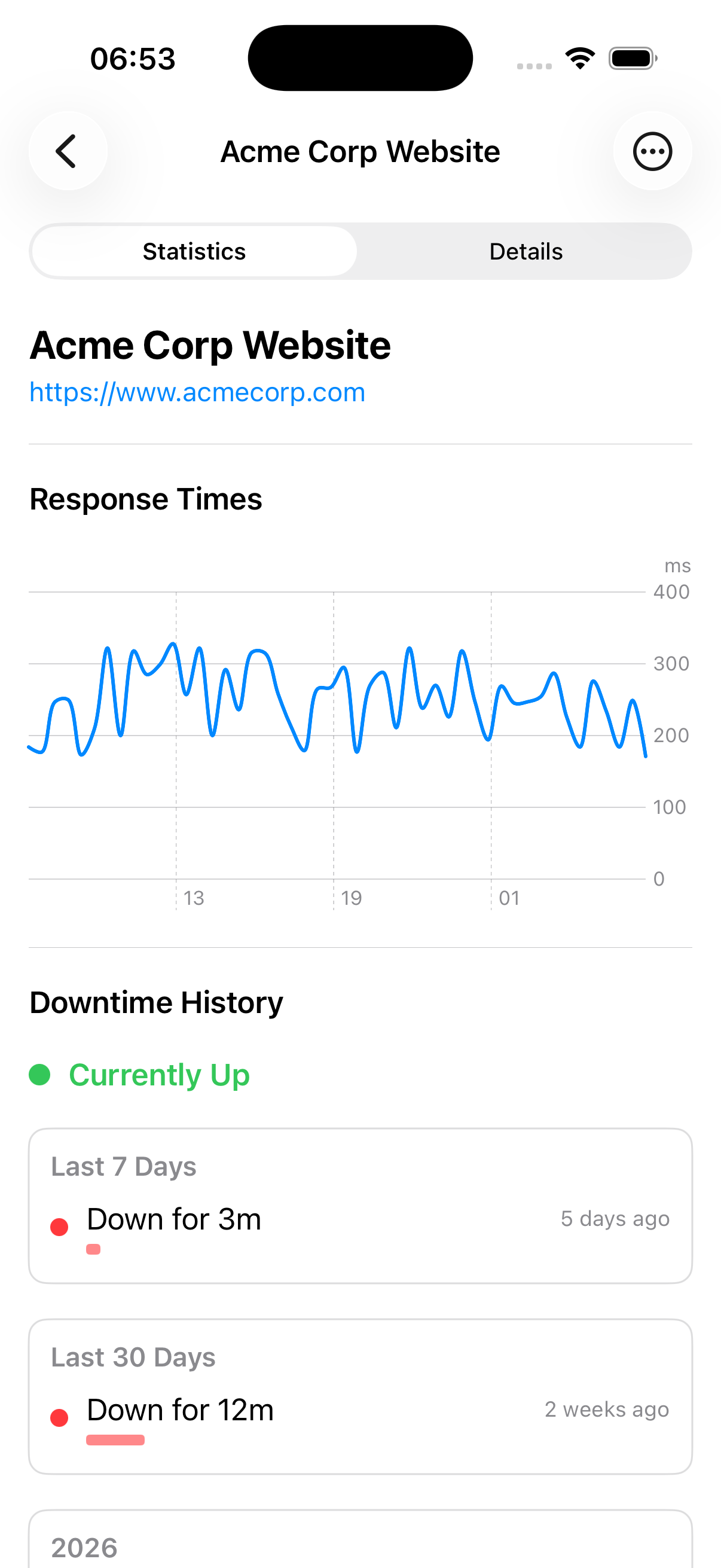
View response time history as a line chart with key statistics: average, min, max, and P95 response times — all at a glance.
Downtime Timeline
See downtime periods grouped by day with duration bars, exact timestamps, and mean time to recovery (MTTR). Load more history with pagination support.
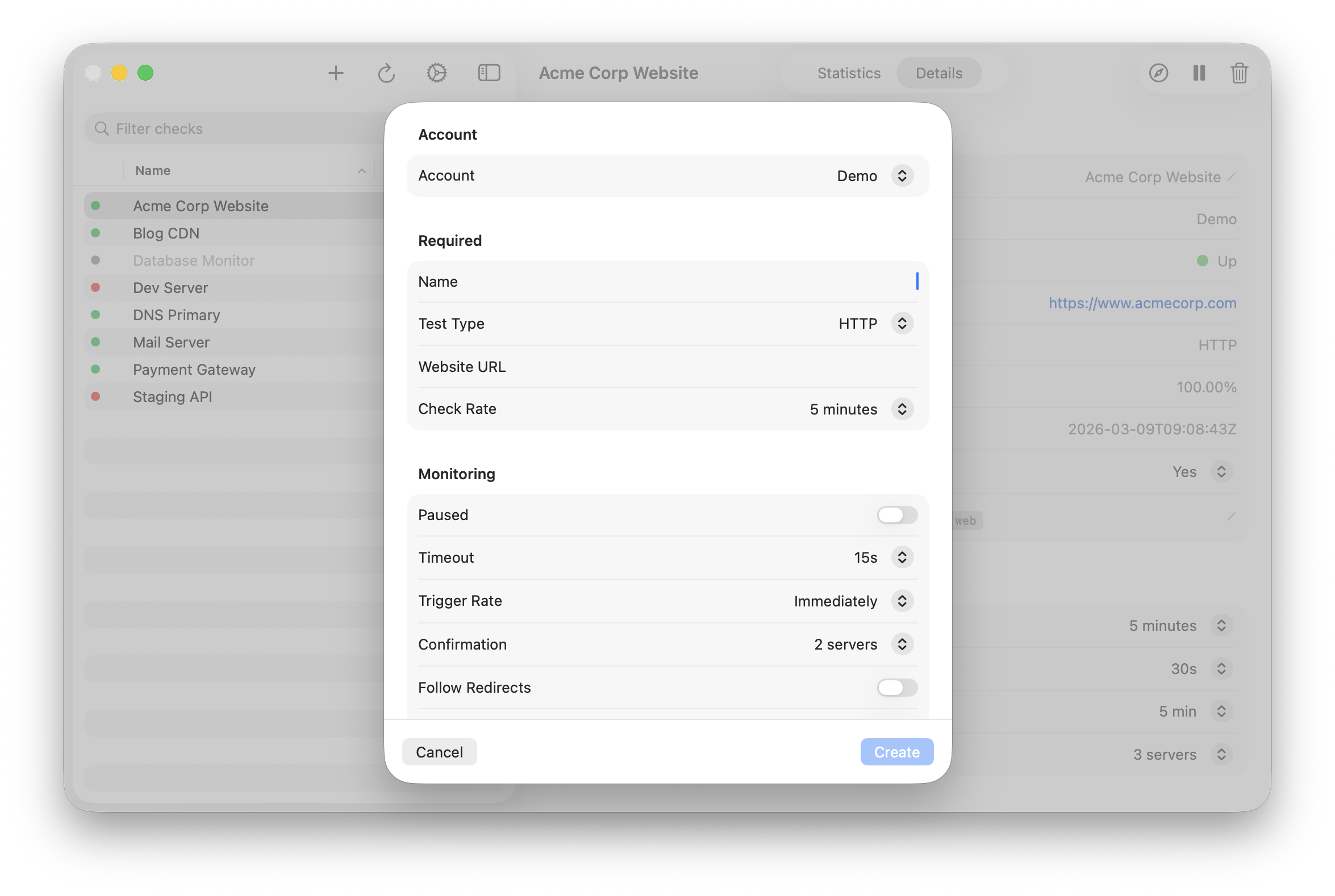
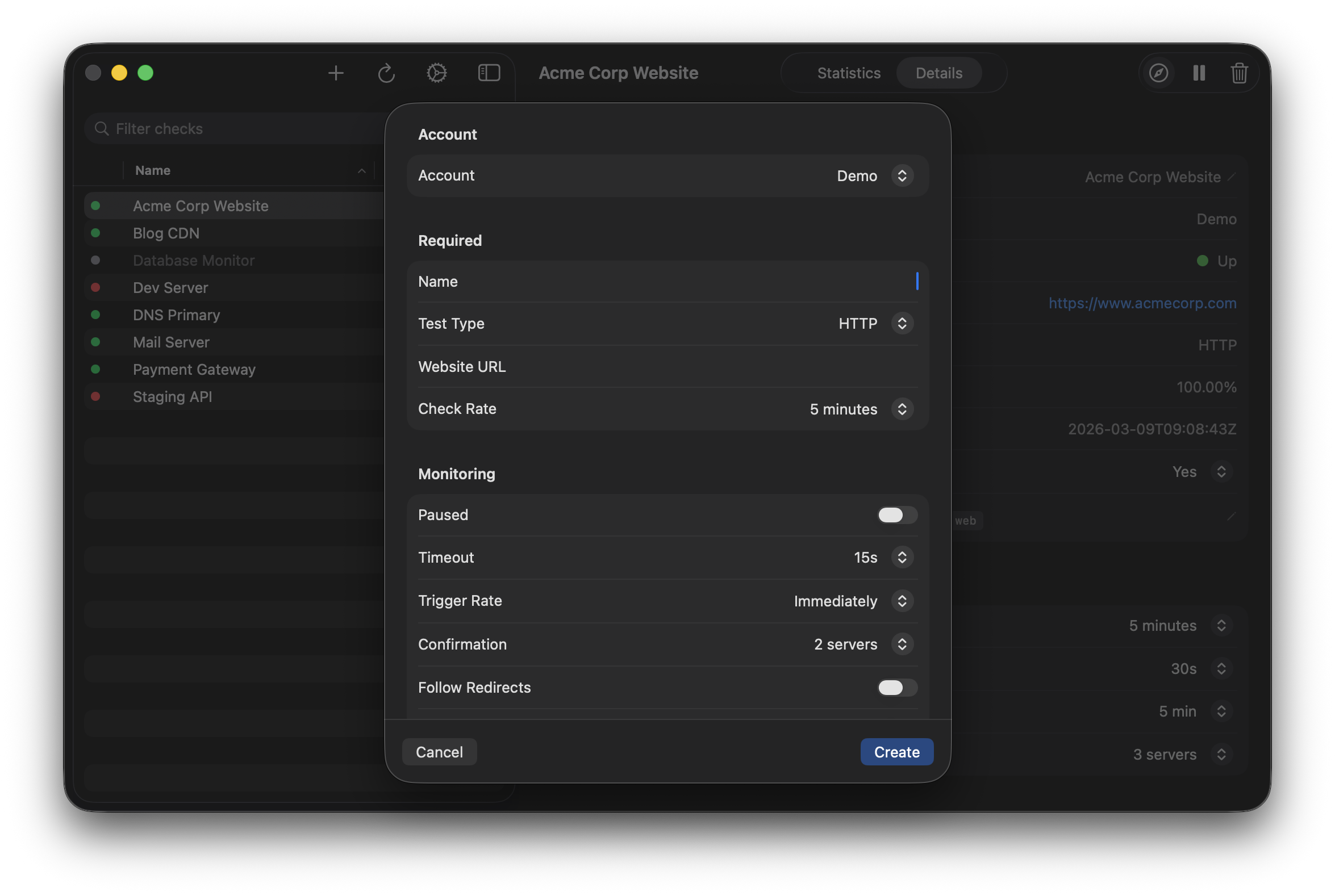
Create & Edit Checks
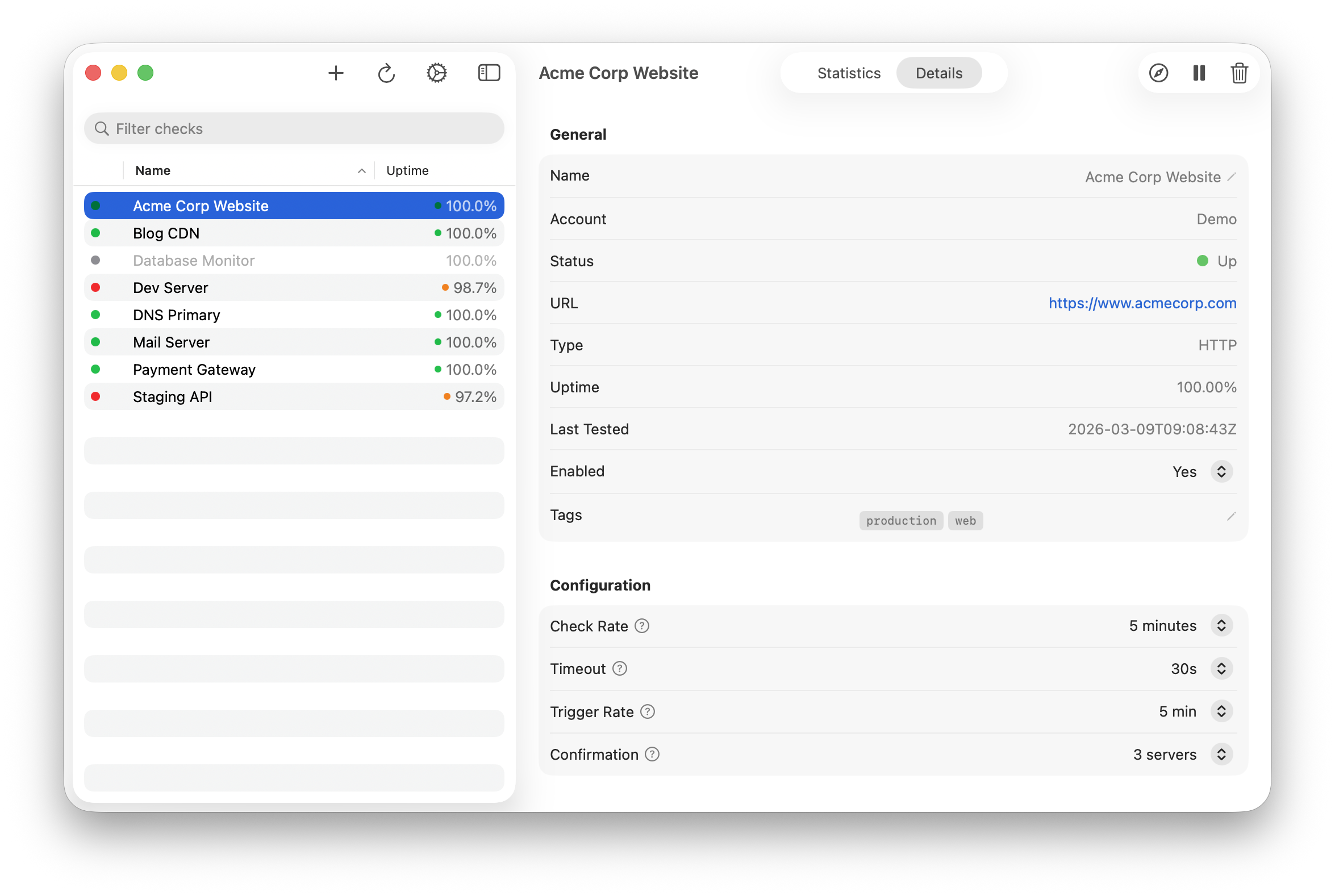
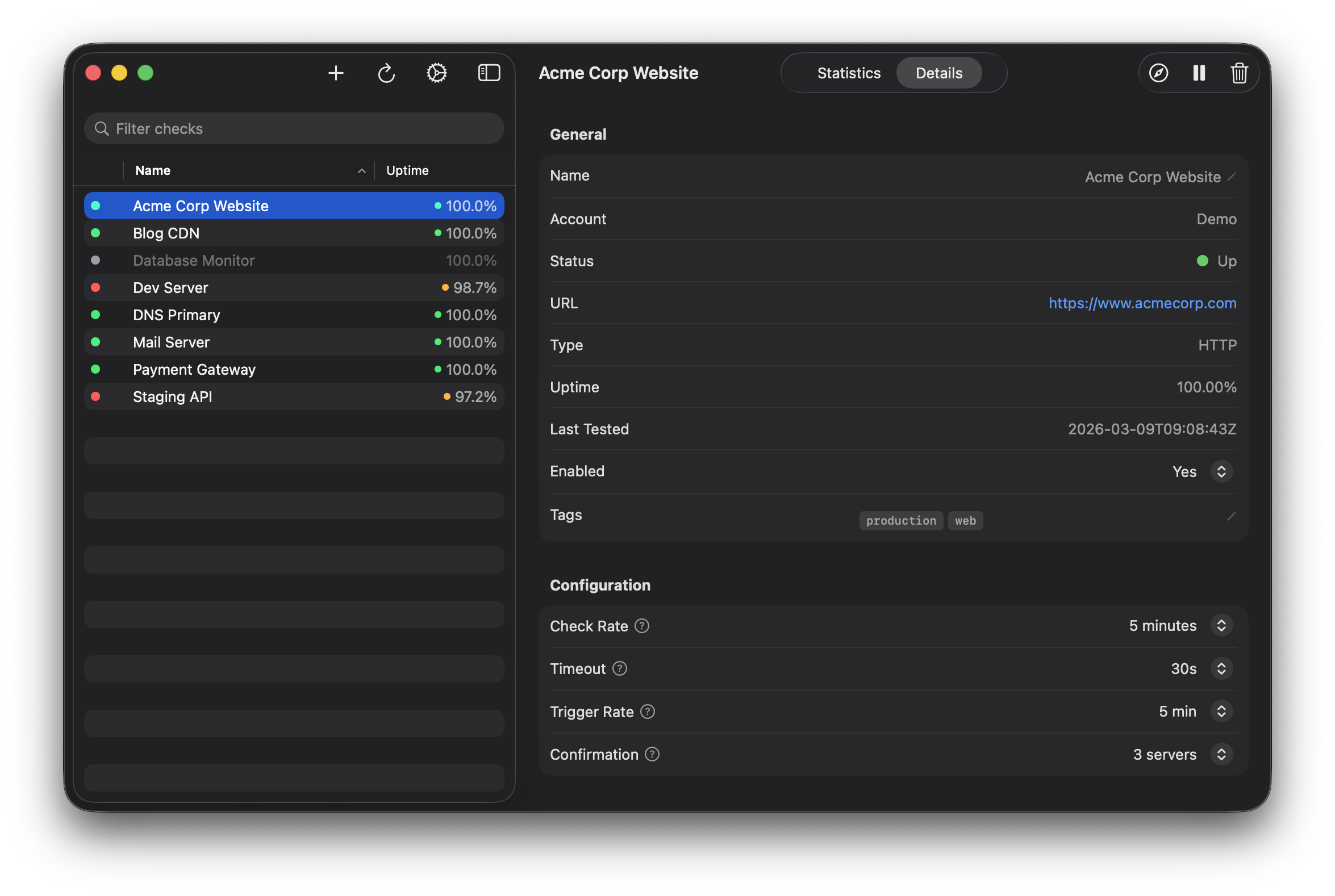
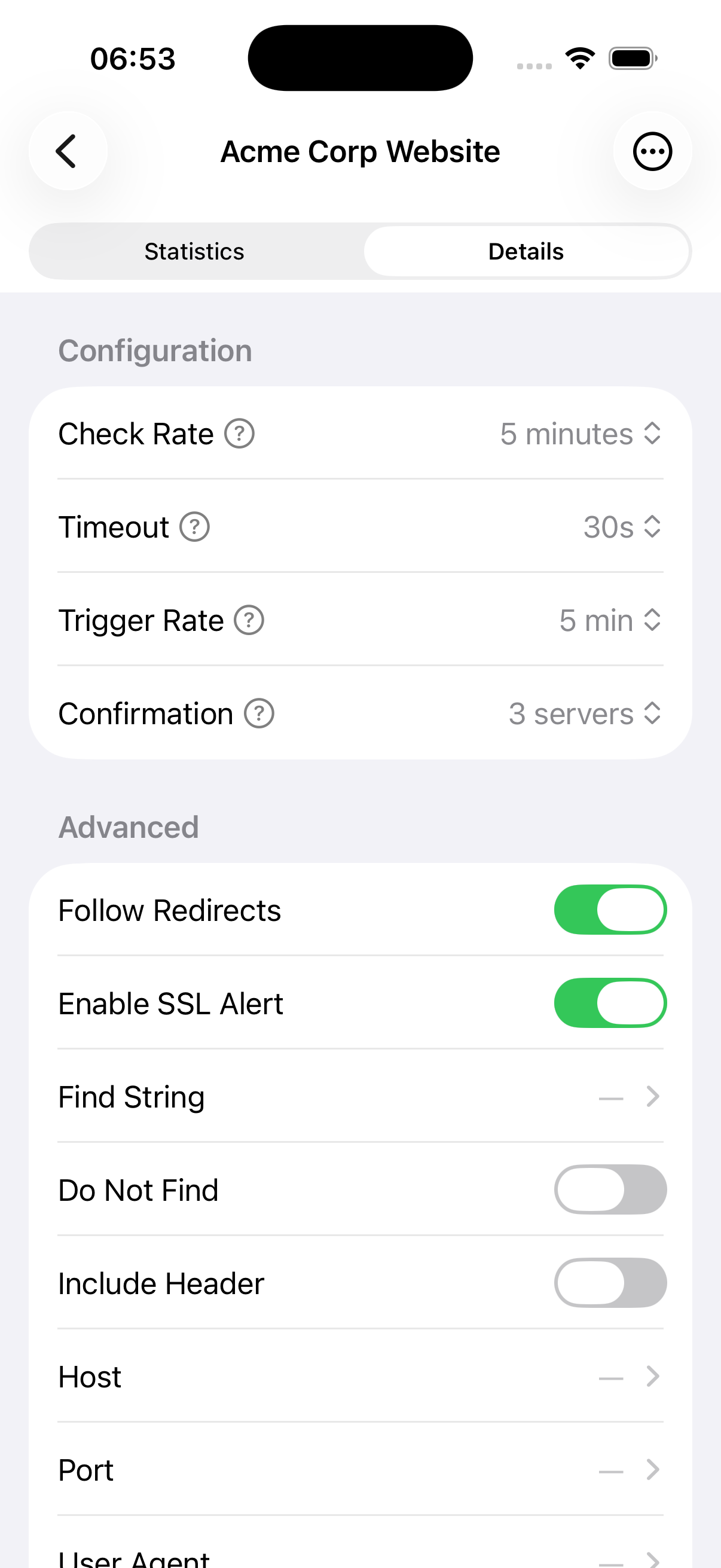
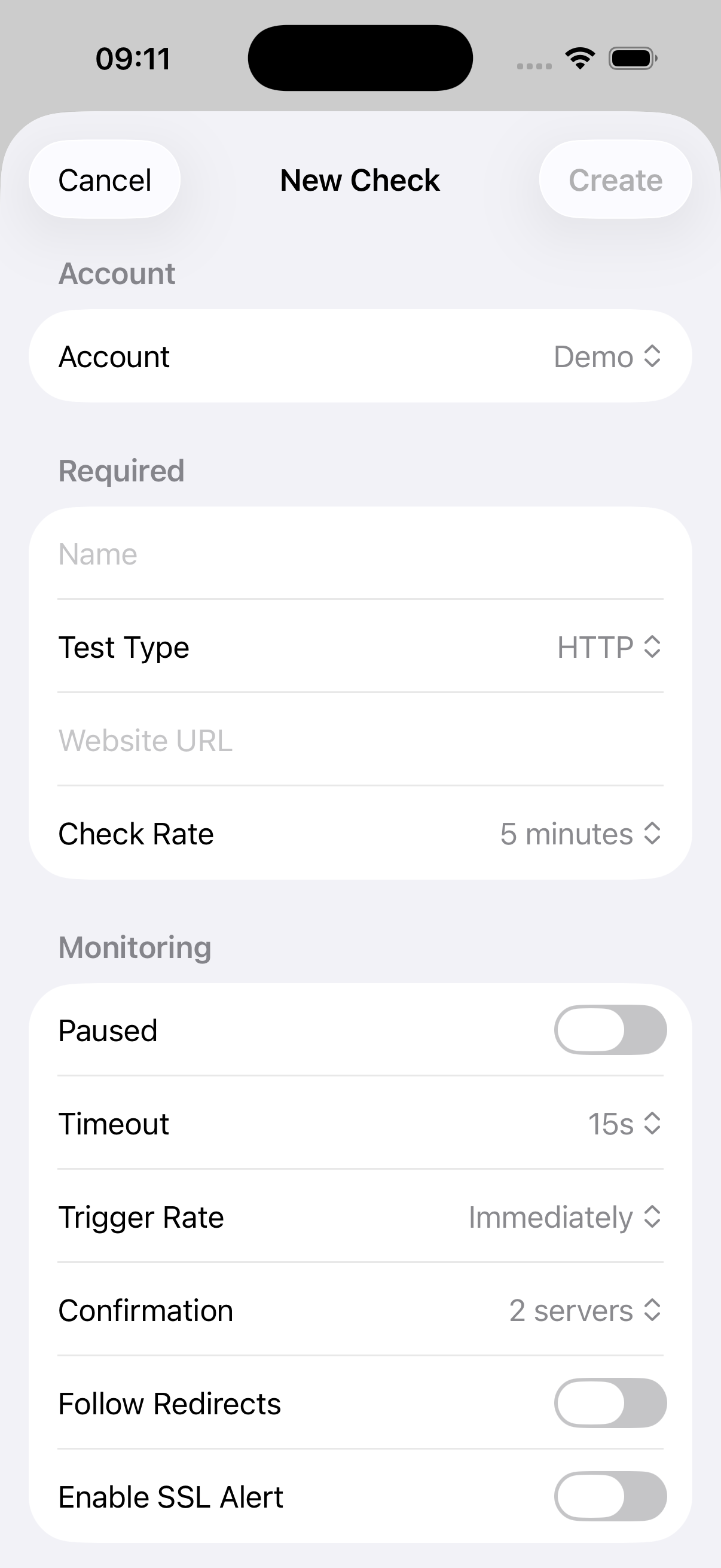
Set up new HTTP, HEAD, TCP, DNS, PING, SMTP, or SSH checks with full configuration. Edit any field inline without leaving the app.
Platform-Native Design
Built entirely with SwiftUI — no web views, no Electron. Keyboard shortcuts on macOS, pull-to-refresh on iOS, and layouts designed for each platform.
Perfect for...
- Monitoring website uptime across multiple accounts
- Managing StatusCake checks without the browser dashboard
- Analyzing response time trends
- Tracking downtime and MTTR
- Batch updating or removing checks
- Quick status overview from the desktop
CakeWatch is a third-party application and is not affiliated with, maintained by, or endorsed by StatusCake.