
Microdocs
Transform your Markdown files into a self-contained HTML documentation site.
Microdocs is a Python tool that converts Markdown files (like README.md and CHANGELOG.md) into a beautiful, single-page HTML documentation site with navigation, table of contents, and syntax highlighting.
Example
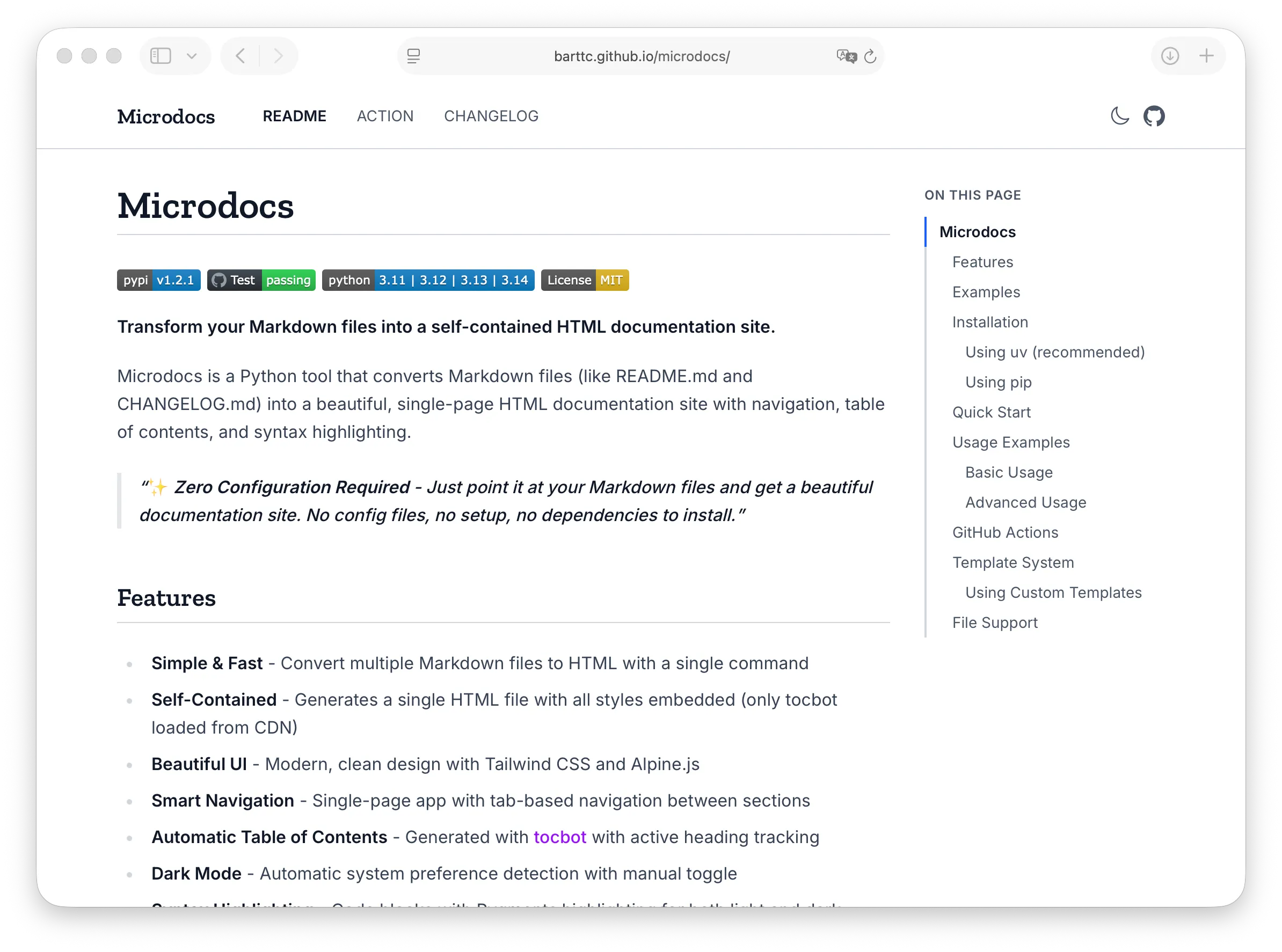
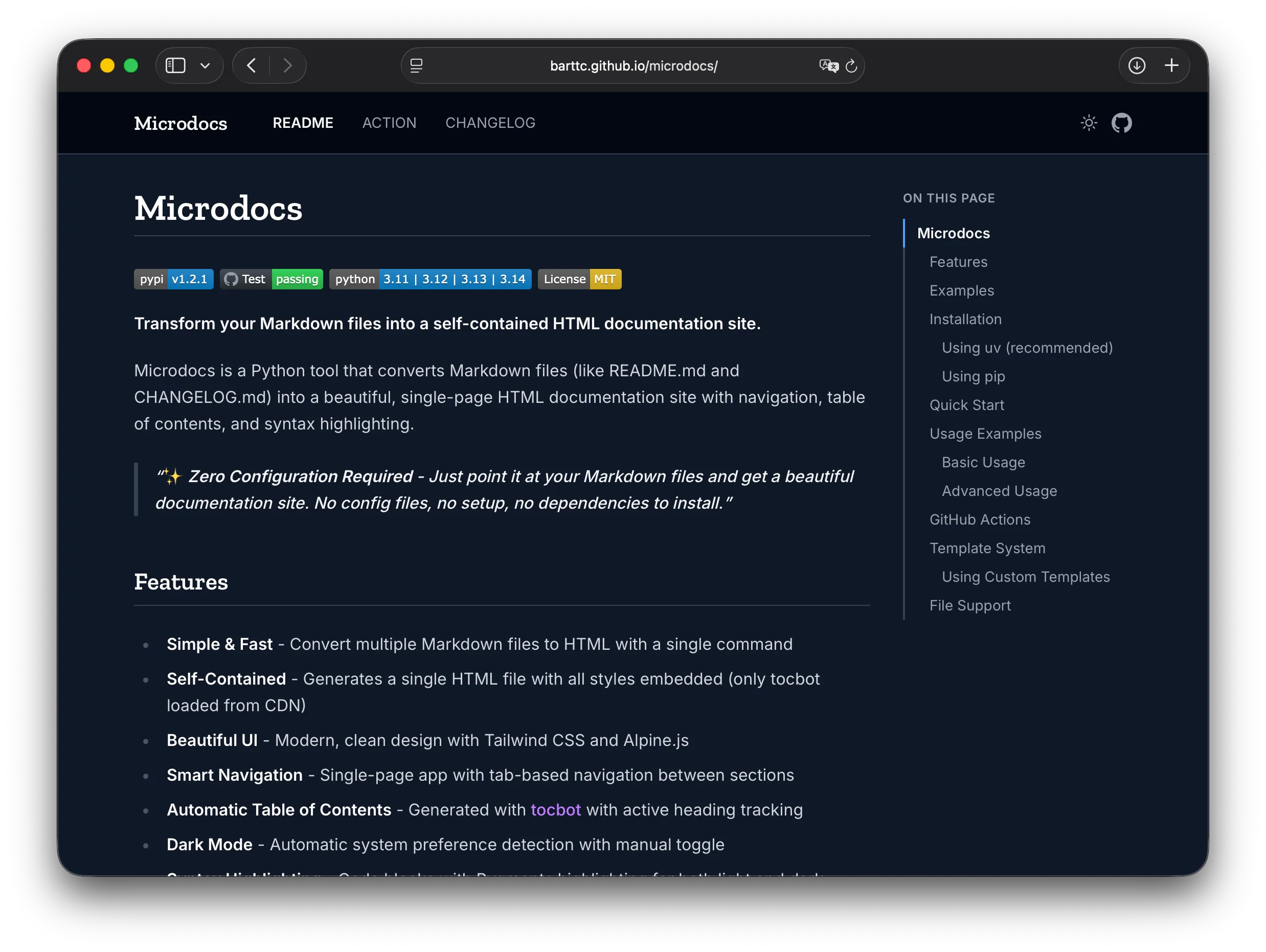
Usage
# Convert a single file
uvx microdocs README.md

# Convert multiple files
uvx microdocs README.md CHANGELOG.md CONTRIBUTING.md

# Specify output file
uvx microdocs README.md -o docs/index.html

# Set custom title
uvx microdocs README.md --title "My Project Docs"

# Add repository link
uvx microdocs README.md --repo-url https://github.com/user/repo
Features
Self-Contained Output
Generates a single HTML file with embedded styles. No build step, no dependencies, just open in any browser.
Tab Navigation
Multiple documents become navigable tabs. Automatic table of contents with scroll tracking for each section.
Syntax Highlighting
Beautiful code blocks with Pygments syntax highlighting. Supports both light and dark theme variants.
Dark Mode
System-aware dark mode with manual toggle. Respects user preferences and looks great in any environment.
Customizable
Override templates with Jinja2. Customize styles and layout to match your project's branding.
Zero Config
Works out of the box. Just point it at your Markdown files and get beautiful documentation instantly.
Perfect for...
- Open source project docs
- Internal documentation
- API documentation
- GitHub Pages deployment
- Offline documentation bundles
- Quick prototypes and demos